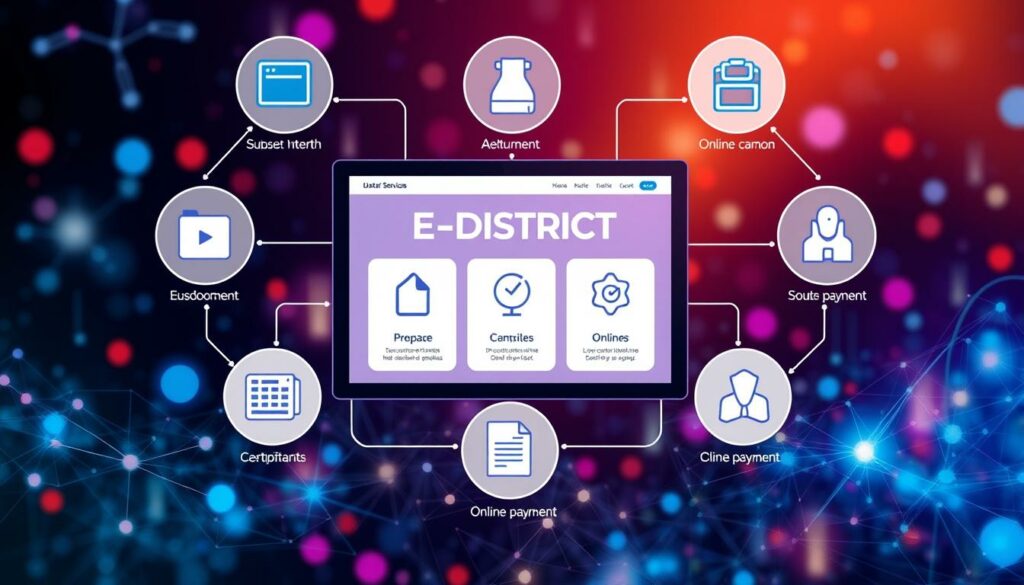
The eDistrict TN portal serves as a vital resource for citizens of Tamil Nadu. It provides access to essential government services related to certificates. Through this platform, residents can apply for various certificates such as the Community Certificate, Nativity Certificate, and Income Certificate.
In addition to these, the portal also lists other services, including the No Graduate Certificate and Deserted Woman Certificate. This article aims to guide users through the process of accessing these services effectively.
Before starting the login process, applicants should ensure they have their personal information, mobile number, and account details ready. This preparation will help streamline the application process and enhance the user experience.
By following this guide, citizens can easily navigate the portal, submit their applications, and track the progress of their certificates.
Understanding the eDistrict TN Revenue Login Process
Understanding the intricacies of the eDistrict portal is essential for Tamil Nadu residents. This platform organizes various certificate services and social security schemes under relevant government departments. By doing so, it simplifies the process for users seeking assistance.
The Revenue Department extends its services beyond just certificates. It also includes important initiatives like the Indira Gandhi National Old Age Pension Scheme and support for widows. These programs demonstrate the government’s commitment to providing comprehensive support to its citizens.
Additionally, residents of revenue villages can obtain printed birth and death certificates through this system. This feature highlights the practical services available, making it easier for citizens to access essential documents.
A centralized portal like this helps users identify the correct service before starting their application. By distinguishing between certificate, pension, and land-related services, applicants can navigate the online process more clearly.
Step-by-Step Guide to Accessing Revenue Certificates Online

Accessing revenue certificates online is a straightforward process for Tamil Nadu residents. This guide will lead applicants from opening the portal to selecting the appropriate certificate type, such as the Community Certificate, Nativity Certificate, or Income Certificate.
Before submitting the application, it is crucial to ensure that the selected department and service name align with the intended certificate. This attention to detail helps avoid any delays in processing.
Applicants should carefully review their application number, entered information, and uploaded documents before final verification. Retaining the displayed status reference is also recommended, as it assists in tracking the certificate process later.
It is important to distinguish revenue certificates from other services offered by Tamil Nilam, such as Full Field Patta Transfer and Joint Patta Transfer. Understanding these differences can simplify the application process.
edistrict.tn.gov.in revenue login: User Authentication and Security

User authentication is a crucial step in accessing services through the eDistrict portal. It is essential for users to handle their registered name, account credentials, and application number with care. This ensures a secure sign-in process and protects personal information.
Before entering any sensitive details, users should confirm they are on the official Tamil Nadu portal. This verification helps prevent data breaches and unauthorized access. Additionally, it is advisable to avoid using shared devices or unsecured networks when accessing applications related to the Revenue Department.
Awareness of secure authentication is also relevant to various Police Department services. These include Online Complaint Registration and checking FIR Status. Recording official contact information is recommended instead of relying on unverified articles or login assistance.
| Best Practices | Description |
|---|---|
| Verify Portal URL | Ensure you are on the official Tamil Nadu portal before entering personal information. |
| Avoid Shared Devices | Use personal devices to prevent unauthorized access to your account. |
| Record Contact Information | Keep official contact details handy for assistance rather than unverified sources. |
Exploring Government Services Through the Portal
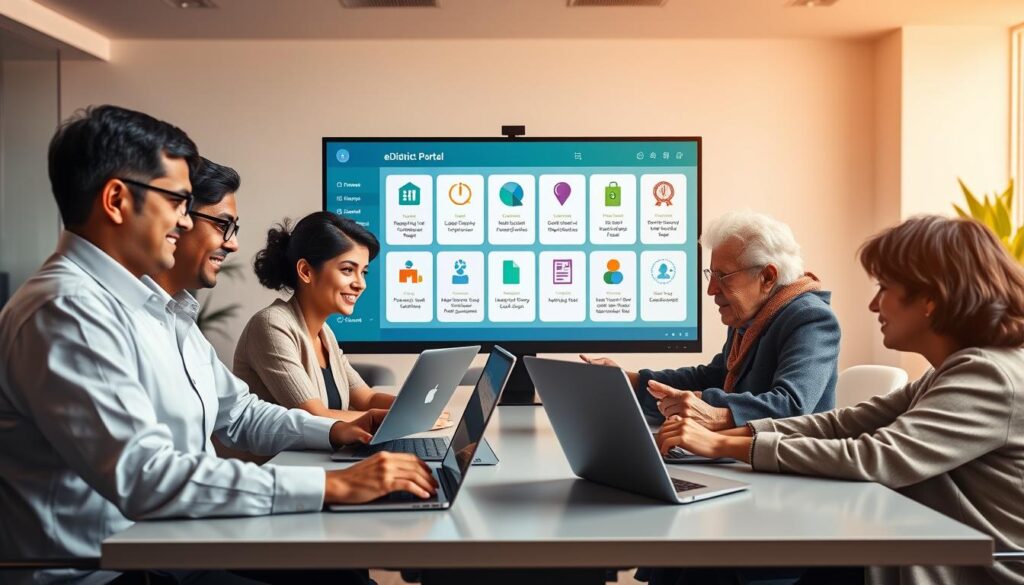
The eDistrict portal serves as a gateway to various government services tailored for Tamil Nadu residents. It simplifies access to important initiatives offered by different departments.
Starting with the Revenue Department, citizens can apply for multiple social security schemes. These include the Indira Gandhi National Old Age Pension, Widow Pension, and Disability Pension. Such services ensure financial support for vulnerable groups.
In addition, the Social Welfare Department provides essential programs like the Girl Child Protection Scheme-I and Scheme-II. Another noteworthy initiative is the Dr. Muthulakshmi Reddy Ninaivu Intercaste Marriage Assistance Scheme.
The Civil Supplies Department addresses consumer complaints, both related to the Public Distribution System (PDS) and other concerns. Furthermore, the Adi-Dravidar and Tribal Welfare Department offers scholarships for SC and ST students.
Lastly, the Health Department facilitates the pre-registration of pregnancies through the PICME system. These services collectively enhance the quality of life for citizens, making the portal a vital resource.
Registration, Payment, and Information Verification
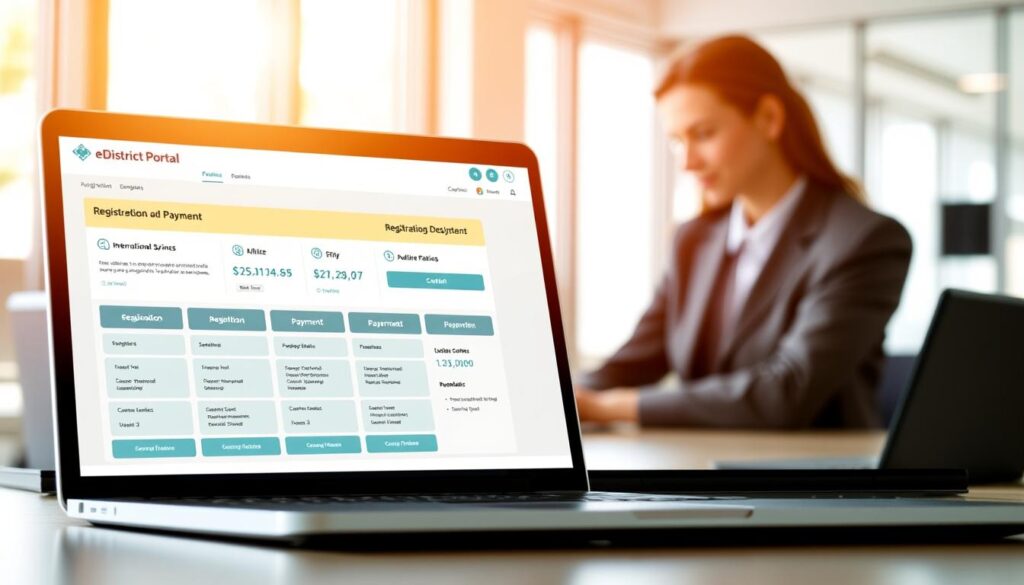
Completing your profile on the eDistrict portal is a vital step for applicants in Tamil Nadu. This section outlines how to finish your profile and select a payment option effectively. Before proceeding, it is essential to review each form field to ensure accuracy.
The Registration Department offers two main payment options: Application Through Offline Payment and Print Challan for Offline Payment. Each serves different needs, so applicants should choose wisely based on their situation.
It is crucial that the payment information corresponds with the correct application and department selected on the portal. Retaining your application number and payment evidence is also advisable for future status verification or support requests.
Lastly, accurate profile information is paramount. Errors can delay the registration process or lead to inconsistencies in submitted records, potentially complicating your application.
| Payment Option | Description |
|---|---|
| Application Through Offline Payment | Allows applicants to pay in person at designated locations. |
| Print Challan for Offline Payment | Provides a printed form for payment at authorized banks. |
| Online Appointment for Registration | Facilitates scheduling for marriage or document registration. |
Tracing Revenue, Income, and Land Records on the Portal

Tracing land records and income details has become easier for Tamil Nadu residents through the eDistrict portal. This platform allows users to access various land and property records efficiently. Services such as Full Field Patta Transfer and Joint Patta Transfer are available, enabling applicants to manage their land documentation seamlessly.
Additionally, Tamil Nilam offers options like Subdivision, Extract of Areg, and Extract of Chitta, which are crucial for maintaining distinct land records. These services ensure that citizens can easily track their property status without confusion.
For those needing vehicle-related information, the Police Department provides essential services such as Vehicle Search and Lost Document Report. These tools assist citizens in retrieving important transport-related documents and information.
Furthermore, users can check the status of their income and revenue certificates by entering their application number, service name, and the selected department. This feature helps applicants stay informed about their application progress.
| Service Type | Description |
|---|---|
| Land Records | Includes Full Field Patta Transfer and Joint Patta Transfer. |
| Property Options | Subdivision, Extract of Areg, and Extract of Chitta. |
| Vehicle Services | Vehicle Search and Lost Document Report. |
| Status Checking | Check status for income and revenue certificates. |
Accessing Common Services for Tamil Nadu Citizens

Navigating the essential services available to Tamil Nadu citizens is vital for efficient documentation. The Revenue and Disaster Management Department facilitates the application process for important certificates.
Among the services offered, the Nativity Certificate or Residence Certificate is crucial for many residents. Additionally, residents in revenue villages can obtain printed birth and death certificates. Understanding these services helps streamline the application process.
When applying, it is important to ensure that the applicant’s identifying information is consistent across all forms. This consistency can prevent delays and complications in processing.
After submitting an application, checking the application number and service status is recommended. This step helps avoid duplicate requests and keeps the process organized.
Citizens should clearly identify their needs—whether for residency, birth, or death documentation—before using the portal. This clarity ensures a smoother experience in accessing the required services.
Utilizing the Portal for Licenses and Appointments
For Tamil Nadu residents, the eDistrict portal is a convenient tool for managing licenses and appointments. The Transport Department offers various services that simplify the application process for driving licenses.
Residents can access the following services:
- Booking Appointment for Driving License: Schedule your appointment easily through the portal.
- Learner’s License Online Application: Apply for a learner’s license without hassle.
- Reprint Learner’s License Online Application: Obtain a duplicate of your learner’s license if needed.
Additionally, the Registration Department provides essential services for marriage and document registrations. Here’s what residents should know:
- Online Appointment for Marriage/Document Registration: Book your appointment online to save time.
- Printing Acknowledgement for Appointment: It’s important to print and keep this for reference.
- Application Through Offline Payment: Residents can choose this method for their applications.
Understanding these options helps streamline the process and ensures that all necessary documents are prepared ahead of time.
Tips and Troubleshooting for a Smooth Login Experience
Troubleshooting login issues can significantly enhance the user experience on the eDistrict portal. Common problems include incorrect login details, missing application numbers, and incomplete forms. These issues can lead to frustration and delays in accessing services.
Before assuming that a certificate or payment record has disappeared, users should double-check the selected department and service name. This simple step can often resolve confusion and help users find the information they need.
For those experiencing difficulties, using the printed appointment acknowledgement and payment challan can support follow-up with the Registration Department. It is essential to keep official contact information and relevant documents handy when requesting assistance.
Additionally, the Police Department offers services like the Lost Document Report and downloadable road-accident case documents, which are separate from the eDistrict services. Understanding these distinctions can help users navigate the portal more effectively.
| Issue | Solution |
|---|---|
| Incorrect Login Details | Verify your username and password before retrying. |
| Missing Application Number | Check your email or printed documents for the correct number. |
| Incomplete Forms | Review all fields to ensure they are filled out correctly. |
| Delayed Status Display | Wait a few moments and refresh the page; if issues persist, contact support. |
Final Thoughts on Leveraging eDistrict TN Revenue Login Effectively
Utilizing the eDistrict portal can greatly enhance the experience for Tamil Nadu citizens seeking various services. This platform allows users to organize applications related to certificates, land records, police services, transport, and registrations efficiently.
It is crucial to match every application with the correct department, service name, form, and payment method. This attention to detail can significantly reduce processing delays.
Users should also preserve their application numbers, appointment acknowledgements, challans, and supporting documents for future status checks. These records are essential for tracking the progress of applications.
Services like the Income Certificate, Residence Certificate, Patta, Chitta, and Areg cater to different administrative needs, ensuring comprehensive support for citizens.
By adopting secure login habits and reviewing information carefully, users can enjoy a seamless experience while accessing eDistrict services. Ultimately, the revenue login serves as a practical gateway to multiple government departments and services in Tamil Nadu.