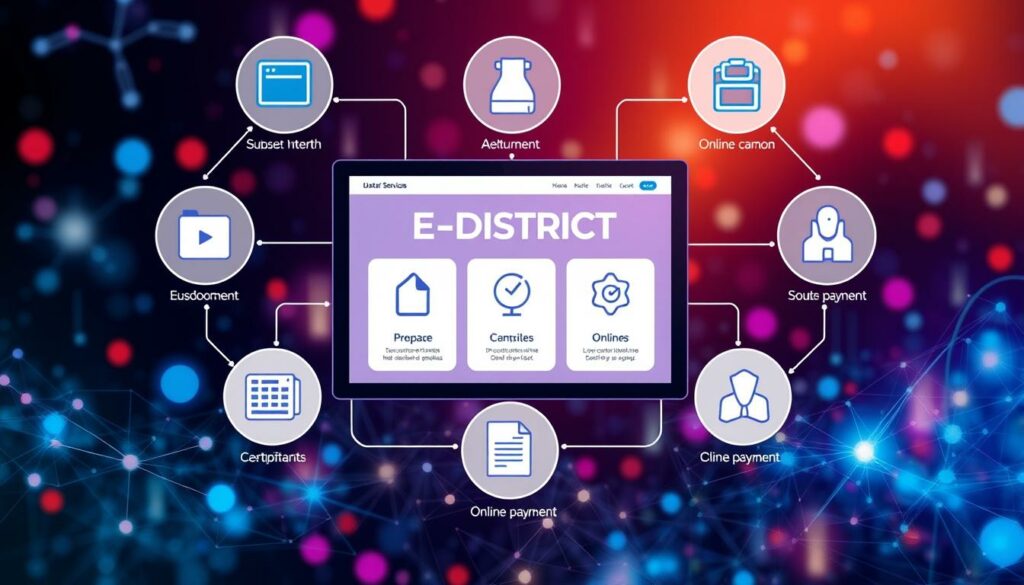
The upgraded eDistrict 2.0 is a significant leap forward for citizens in West Bengal. This enhanced government portal allows users to apply for essential certificates and track their applications online. With a user-friendly interface, citizens can easily navigate the system to access services such as income, domicile, and caste certificates.
Visitors can access the official website at https://edistrict.wb.gov.in. This platform stands apart from unofficial sources, ensuring that users receive accurate information. The portal supports real-time status tracking through the Application ID, Certificate Number, or registered mobile number.
Additionally, digitally signed PDF certificates minimize the need for repeated visits to government offices. This feature streamlines the process, making it more efficient for everyone involved.
Introduction to the eDistrict 2.0 Platform
With its recent upgrades, this platform is set to revolutionize how citizens access government services. The Department of Information Technology & Electronics, Government of West Bengal, oversees this enhanced portal. Its main goals are to promote digital delivery, enhance transparency, and reduce paperwork.
This initiative aims to minimize the need for physical office visits and lessen the influence of middlemen in public-service applications. The upgraded platform not only streamlines processes but also provides real-time tracking for applicants.
Citizens can now access various services, including:
- Caste certificates
- Income certificates
- Domicile certificates
- Residence certificates
- Character certificates
These improvements ensure that West Bengal residents can enjoy faster and more efficient service delivery.
Overview of WB e-District 2.0’s Digital Services

The latest iteration of the portal brings a host of digital services tailored for user convenience. Citizens can apply for various government certificates, including:
- BDO Income Certificate
- Domicile Certificate
- Residence Certificate
- Character Certificate
- Land Mutation
These services cater to different documentation needs, whether for education or employment purposes. After submitting an application, users can easily track its status using their Application ID, Certificate Number, or registered mobile number.
Once approved, certificates are available as digitally signed PDF files, ensuring easy access and use. In South 24 Parganas, the e-District platform stands alongside other vital eServices like BanglarBhumi and Bangla Sahayata Kendra, enhancing the digital landscape for citizens.
Understanding the Benefits for Citizens

West Bengal residents now enjoy unprecedented access to essential government certificates online. This platform offers more than 20 different certificates, making it easier for individuals to complete routine documentation tasks.
By submitting requests from home or another convenient location, applicants can avoid unnecessary visits to government offices. This not only saves time but also enhances the overall experience for users.
Real-time status visibility is another significant advantage. Citizens can track their applications and stay informed about their progress. Most services are either free or involve minimal charges, making this online access affordable.
Furthermore, these digital certificates play a crucial role in various important areas. They can support college admissions, scholarships, jobs, and other official requirements, making them invaluable for West Bengal residents.
How to Navigate the Online Portal
Navigating the online portal is straightforward and user-friendly. To begin, users should visit the official website. The homepage features a “Login / Sign Up” option located in the top-right corner.
New users can select “Login / Sign Up” to create an account. They will need to provide their mobile number, name, and other identity details. Existing users can log in by entering their User ID and password.
Once logged in, users will reach the Citizen Services Dashboard. Here, they can easily locate services such as the BDO Income Certificate, Domicile Certificate, and more. It is essential to ensure that users are accessing the official .gov.in website before entering any personal information.
Step-by-Step Guide to Checking Application Status

Checking the status of an application on the platform is a simple process. Users can easily track their application status by visiting the official website. Once there, they should look for the option labeled “Track Application Status” or “Check Status.”
Applicants have three search methods available: Application ID, Certificate Number, or registered mobile number. Selecting one of these options is crucial for retrieving accurate information.
Tracking via Application ID or Mobile Number
To begin, users must accurately enter their chosen identifier along with the Captcha code. After that, they can click “Search” or “Submit” to view their application status.
The results will display the current stage of the application, which may include:
- Submitted
- Under Processing
- Approved
- Rejected
Additionally, the results page may feature officer remarks, the certificate issue date, and a link to download the digitally signed PDF. This feature enhances transparency and keeps applicants informed throughout the process.
Detailed Walkthrough for Submitting an Application

Submitting an application through the platform is a clear and structured process. Applicants will first need to fill out the application form with essential details. This includes their full name, parent’s name, date of birth, gender, and caste category.
Additionally, applicants must provide both permanent and present addresses, along with the purpose of requesting a certificate. Common certificates include income, domicile, and other essential documents.
Filling Out the Application Form
It is crucial to enter accurate information in the application form. This ensures a smooth processing experience. Once the form is completed, applicants will be prompted to upload necessary documents.
Document Upload and Verification Process
Common uploads include:
- Aadhaar
- Voter ID
- Ration card
- Income proof
- Caste proof
- Passport-size photograph
- Residential proof
Accepted file formats for uploads are PDF, JPEG, and PNG. After submitting the application, a unique Application ID is generated for tracking purposes.
| Document Type | Purpose | Accepted Formats |
|---|---|---|
| Aadhaar | Identity Verification | PDF, JPEG, PNG |
| Voter ID | Identity Verification | PDF, JPEG, PNG |
| Income Proof | Financial Verification | PDF, JPEG, PNG |
After reviewing the declaration and submitting the form, applicants will receive their unique Application ID, making it easy to track their application status in the future.
Simplified Guide on Downloading Digital Certificates
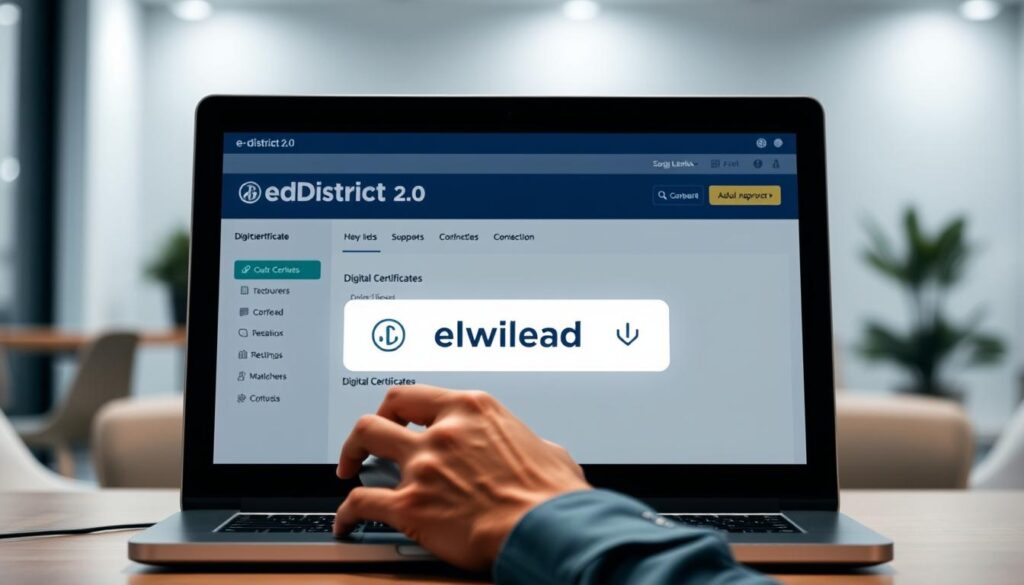
Downloading digital certificates from the portal is a straightforward process. Approved certificates can be accessed as digitally signed PDF documents. However, these downloads become available only after the application status changes to Approved.
Once the application is approved, users will see a download link in the status result. To obtain the certificate, they simply need to open the approved application result and select the displayed link.
It is advisable to save the PDF securely, as it may be required for admissions, scholarships, jobs, or official verification. When returning to retrieve an approved document, applicants can use their Application ID or Certificate Number.
Additionally, obtaining a digital PDF reduces the need to collect a paper certificate from a government office, making the process more efficient for everyone.
Exploring Eligibility Criteria and Required Documents
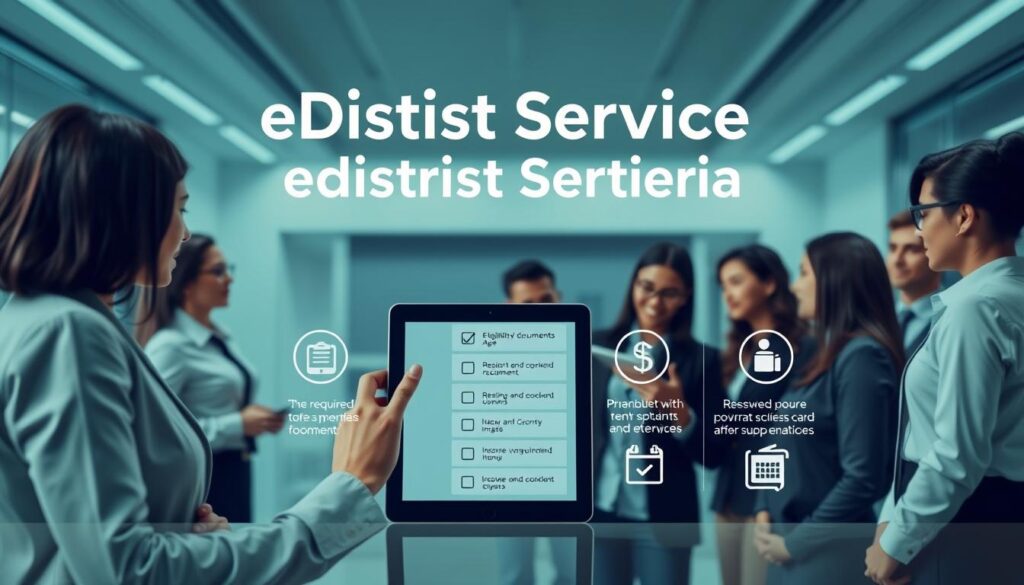
Understanding the eligibility criteria is essential for residents of West Bengal looking to access government services online. Applicants must be residents of the state to utilize the e-District services effectively. This ensures that only eligible individuals can benefit from the streamlined processes offered by the platform.
Valid identity proof is crucial for online certificate requests. Examples include Aadhaar and Voter ID. These documents help verify the applicant’s identity and residency status. Additionally, some services may have specific eligibility requirements based on categories such as SC, ST, OBC, or minority status.
Here is a list of commonly needed documents for various applications:
| Document Type | Purpose | Examples |
|---|---|---|
| Identity Proof | Verification | Aadhaar, Voter ID |
| Residential Proof | Address Confirmation | Ration Card, Utility Bill |
| Income Proof | Financial Verification | Salary Slip, Income Certificate |
| Caste Proof | Category Verification | Caste Certificate |
| Photograph | Application Requirement | Passport-size Photo |
It is important for applicants to review the specific requirements for each service. This ensures that all necessary documents are submitted correctly, leading to a smoother application process.
Tips for a Smooth eGovernment Experience
For a seamless experience with eGovernment services, attention to detail is crucial. Users should ensure that all information entered on the platform is accurate and matches their official documents.
Here are some best practices for accurate data entry:
- Match Names: Ensure your name and your parent’s name match the identity documents uploaded.
- Review Personal Information: Double-check your date of birth, gender, caste category, and both permanent and present addresses before submitting.
- Check Service-Specific Details: Verify all information for each service, as inaccuracies can delay processing.
- Captcha Accuracy: Enter the Captcha exactly as displayed during status searches to avoid errors.
- Save Your Application ID: Keep the unique Application ID and any confirmation SMS or email for reliable tracking later.
Exploring edistrict 2.0: Key Features and User Support
The eDistrict platform offers essential features that enhance user support and account management. Users can easily manage their accounts through the official portal, ensuring a secure experience.
For those who encounter issues with their accounts or applications, help is readily available. Applicants can contact the toll-free helpline at 1800-345-5505 for assistance. Additionally, district help centers are located throughout West Bengal, providing in-person support for digital access.
One notable location is the North 24 Parganas district, specifically at Banamalipur, Barasat, Kolkata, West Bengal 700124. This site serves as a valuable resource for residents seeking guidance.
Users should remember to keep their passwords confidential and only access account services through the official portal at https://edistrict.wb.gov.in. Following these guidelines will help maintain the security of their accounts.
Final Thoughts on Enhancing Digital Citizen Services
This state-of-the-art platform integrates application submissions and tracking into a single user-friendly interface. The enhanced system serves the residents of West Bengal by providing access to over 20 different certificates, benefiting students, job seekers, and families alike.
By allowing online submissions and offering PDF downloads, the platform reduces paperwork and minimizes unnecessary visits to government offices. Applicants can enhance their experience by verifying eligibility, uploading valid documents, and carefully reviewing their application details.
For further assistance, users can rely on the official website, the helpline at 1800-345-5505, and district help centers. This initiative aligns with the Government of West Bengal’s mission to make citizen services faster, more transparent, and easier to access.