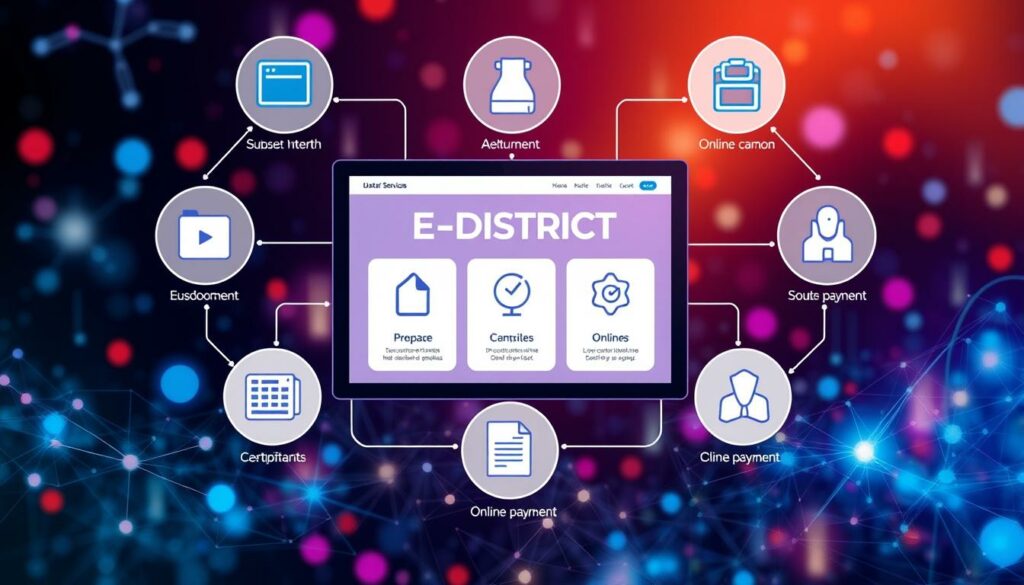
The official eDistrict Odisha website serves as a gateway for citizens to access vital government services. Launched under the National e-Governance Plan, this platform aims to simplify the process of obtaining certificates and other public services.
By utilizing the e-district odisha portal, users can reduce the need for physical visits to government offices. Instead, they can apply for various certificates from the comfort of their homes. Additionally, Common Service Centers are available for those who need assistance.
This guide will help users navigate the portal effectively. From registration to secure login, applicants can monitor their requests and download approved documents—all in one place. Understanding these steps is crucial for making the most of the services offered.
Introduction to the eDistrict Odisha Portal
Accessing essential government services is now streamlined through the eDistrict platform. This digital initiative represents a significant leap in governance, providing citizens with a centralized hub for various services.
The portal offers 24/7 access to essential government services, especially benefiting those in rural and remote areas. Users can apply online for a range of certificates without the need to travel to government offices.
Key features include:
- Online applications and real-time tracking
- Document uploads and SMS/email alerts
- Online certificate downloads
- Aadhaar and Bhulekh integration for enhanced verification
- Support in both English and Odia
Available services cover various certificates, including Resident, Income, Guardianship, Scheduled Caste, Scheduled Tribe, OBC, and SEBC. This comprehensive approach ensures a more accountable and efficient service delivery system.
How to Register on the Portal for Access
Registering on the eDistrict platform is a straightforward process that empowers citizens to access vital services. To begin, users should visit the official portal and select the “Register Yourself” option on the homepage.
The registration form requires essential details such as your name, mobile number, email ID, username, and password. After filling in these details, applicants must submit the form to proceed.
Once submitted, an OTP will be sent to the registered mobile number. This step is crucial as it verifies the user’s identity and activates the account. Valid contact information is important for receiving application notifications and for password recovery.
It’s worth noting that one-time online registration is optional. Citizens can also seek assistance from a Common Service Center (CSC) if needed. This flexibility helps save time and effort while accessing government services.
edistrict odisha login and Secure Navigation
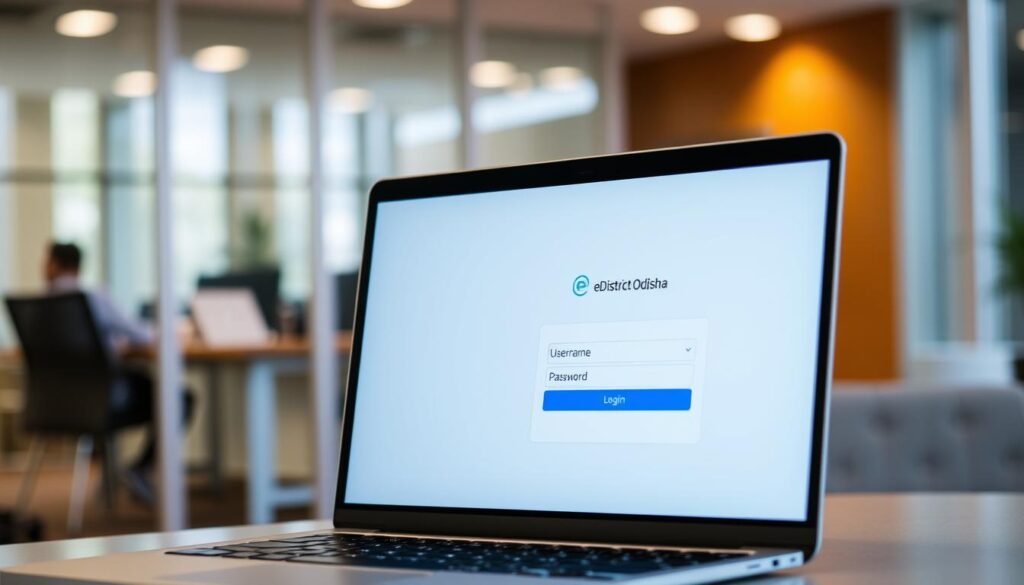
Navigating the eDistrict portal is essential for accessing government services. The login interface is designed for ease of use, allowing citizens to connect seamlessly. Users start by selecting the “eDistrict Odisha Login” option, followed by “Citizen Login.” They will then enter their username and password before clicking Submit.
It’s important to note that there is a separate “Official Login” for government officials. This distinction helps streamline access to services based on user roles.
To ensure a secure experience, users should follow these best practices:
- Use personal credentials carefully.
- Avoid sharing account details or sensitive information.
- Verify that you are on the official Odisha government domain before logging in.
If users encounter issues, they should check for JavaScript settings, browser extensions, or ad blockers that may prevent components from loading. Ensuring a stable network connection can also enhance the login experience.
| Login Type | Requirements | Purpose |
|---|---|---|
| Citizen Login | Username, Password | Access citizen services |
| Official Login | Official Credentials | Access administrative services |
| Troubleshooting | Check settings | Resolve login issues |
Step-by-Step Guide to Applying for Certificates

Citizens can easily apply for various certificates through the eDistrict portal. This guide will walk users through the application process, ensuring they understand the necessary steps and requirements.
There are several types of certificates available, including:
- Resident Certificate
- Income Certificate
- Legal Heir Certificate
- Scheduled Caste and Scheduled Tribe Certificates
To begin, users should log in to the e-district odisha portal and select “Apply for Certificate.” For an example, let’s consider the Income Certificate. The income assessment includes salary, wages, business, profession, agriculture, and movable-property earnings from the previous financial year.
When filling out the application form, it’s essential to provide accurate details. Common documents required include:
- Copy of ROR
- Salary certificate
- IT returns
For the Resident Certificate, applicants must show proof of at least one year of continuous residence within the relevant Tahasil jurisdiction. The application process is straightforward, and users should review every field carefully before submission.
Below is a summary of the delivery times for various certificates:
| Certificate Type | Delivery Time | Service Charge |
|---|---|---|
| Resident Certificate | 10 working days | No charge |
| Income Certificate | 10 working days | No charge |
| Legal Heir Certificate | 30 working days | No charge |
| Scheduled Caste Certificate | 15 working days | No charge |
Tracking Application Status and Verification Process

Citizens can track their application status directly through the eDistrict portal. This feature simplifies the process of monitoring requests and provides transparency in service delivery.
To check the application status, users should select the “Check Your Application Status” option on the homepage. They can enter either their Application Reference Number or Transaction ID. The portal will display statuses such as Pending, Approved, or Rejected, helping citizens understand the current stage of their request.
Once a certificate is approved, it can be downloaded easily. Users need to enter their application number and captcha through the “Download Certificate” option on the portal. This ensures that the process remains secure and user-friendly.
Verification of certificates is equally important. Citizens can confirm authenticity by using the application reference number and the token number printed on the certificate. Many issued certificates will also include a QR code or digital signature, adding an extra layer of verification.
Troubleshooting Login and Application Issues

Encountering challenges while using the eDistrict platform can be frustrating. However, understanding common issues and their solutions can significantly enhance user experience. Here are some typical login challenges and effective resolution tips.
Common Login Challenges
Users often report several issues, including:
- Delays in receiving OTPs for login.
- Errors during document uploads.
- Application delays or failures.
- Login failures due to forgotten credentials.
Effective Resolution Tips
To address these challenges, consider the following:
- For OTP delays, check your mobile network and try again after a few minutes.
- Document-upload errors may arise from file size; ensure files are in PDF or JPEG formats as specified.
- If you forget your password, use the “Forgot Password” option to reset it easily.
- For application delays, contact the local Tahasil or Sub-Collector’s office for assistance.
- Persistent issues can be escalated via email at [email protected] or by calling the toll-free number listed on the official website.
| Issue Type | Possible Cause | Recommended Action |
|---|---|---|
| OTP Delay | Mobile network issues | Retry after a few minutes |
| Document Upload Error | Incorrect file format or size | Use specified formats (PDF/JPEG) |
| Login Failure | Forgotten password | Use “Forgot Password” feature |
| Application Delay | System processing | Contact local office for updates |
Integrating with Government Services and Digital Initiatives

The integration of various digital initiatives enhances the efficiency of government services. One of the key components is the connection with Aadhaar and Bhulekh Odisha, which helps verify identity and land-related information during service processing.
Additionally, the wider digital ecosystem includes platforms like OdishaOne, which serves as a unified citizen-service platform. This integration supports seamless access to various services, improving user experience.
Moreover, initiatives such as Mo Sarkar and the 5T Initiative promote transparency, teamwork, and public accountability. These efforts ensure that citizens receive timely and effective services.
For those who may not have reliable internet access, Common Service Centers (CSCs) provide physical assistance. This support is crucial for users needing help with online applications.
Overall, coordination among multiple departments reduces duplication, improves verification, and accelerates approvals, ultimately benefiting citizens.
How the Portal Enhances Service Delivery

The eDistrict platform transforms the experience of accessing essential government services. It introduces significant improvements in transparency and efficiency, ensuring that citizens receive timely assistance.
Transparency and Efficiency Improvements
Statistics reveal the effectiveness of the portal:
- Resident Certificates: 5,302,018 applications received, with 5,955,344 approved.
- Income Certificates: 4,715,825 applications received, with 4,421,593 approved.
The approval times for these certificates further highlight the efficiency:
- Resident Certificate: 2 to 25 days (median: 11.50 days).
- Income Certificate: 2 to 28 days (median: 12.6 days).
User Convenience with Real-Time Updates
Citizens benefit from SMS and email notifications as their applications progress. This feature reduces uncertainty and minimizes unnecessary visits to government offices.
With digital submissions and searchable references, the portal streamlines processes, leading to improved transparency and convenience. Citizens can check their application status using their reference number, ensuring they stay informed from the comfort of their homes.
| Certificate Type | Applications Received | Approved | Pending |
|---|---|---|---|
| Resident Certificate | 5,302,018 | 5,955,344 | 81,434 |
| Income Certificate | 4,715,825 | 4,421,593 | 113,581 |
Final Thoughts on Seamless Government Access
The digital landscape for government services has evolved significantly, offering citizens a seamless experience. The Government of Odisha portal combines registration, secure access, applications, tracking, and certificate verification into one streamlined workflow.
Citizens are reminded to securely preserve their usernames, passwords, OTP-linked mobile details, application references, and certificate tokens. With a standard delivery period of 10 working days for both Resident and Income Certificates, planning becomes easier.
Moreover, features like QR codes, digital signatures, Aadhaar, and Bhulekh Odisha ensure reliable document verification. By utilizing online services and the assistance of Common Service Centers, citizens can minimize travel, paperwork, and reliance on intermediaries.
For the latest instructions, service availability, and support contacts, visit the official eDistrict Odisha website.