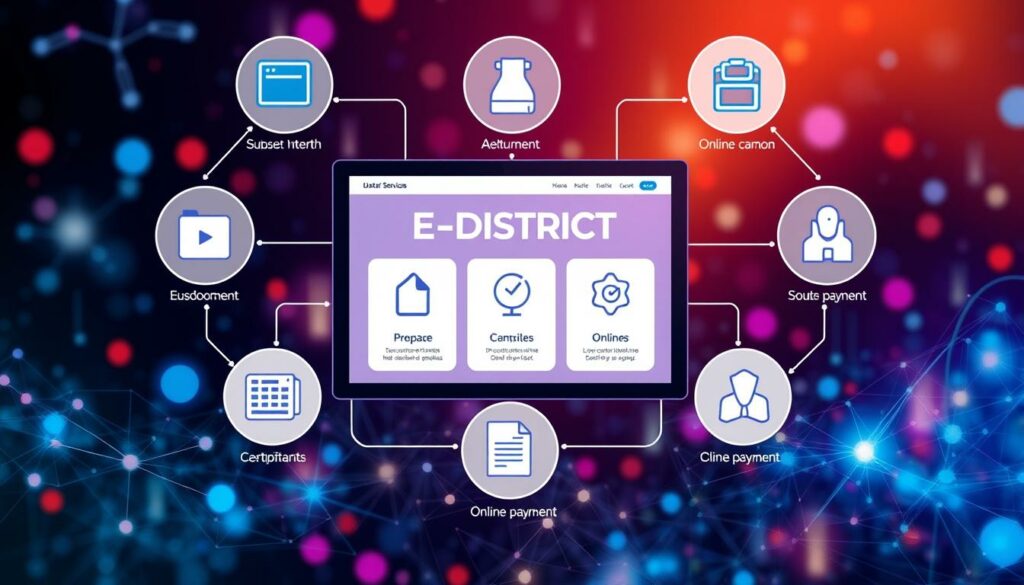
In today’s digital age, applying for essential documents has become easier than ever. Citizens can now obtain an income certificate through authorized online government services without needing to visit an office in person. This article will guide you through the process, focusing on various state-specific platforms.
The Kerala State IT Mission, for instance, provides a robust online portal for electronic government transactions. This system operates in compliance with the Information Technology Act, 2000, ensuring secure and efficient service delivery. Similarly, the Government of Odisha’s Revenue & Disaster Management Department offers a streamlined application process.
For residents of West Bengal, the Howrah District Website directs applicants to the official online address for their requests. Understanding the specific requirements of each state is crucial for a successful application. In the following sections, we will explore eligibility criteria, necessary documents, processing times, payment methods, and digital verification requirements.
Understanding the edistrict income certificate Process
Accessing important documents online has revolutionized how citizens interact with government services. For those applying for the Odisha income service, understanding the eligibility requirements is crucial.
Eligibility hinges on the total income of all family members living together during the financial year before the application year. Applicants must consider various income sources, including salary, wages, and agricultural earnings.
To successfully submit an application, prepare the following supporting documents:
- Copy of RoR (Record of Rights)
- Salary certificate
- Income-tax returns
- Documents verifying other income sources
Notably, the Odisha Revenue & Disaster Management Department does not impose a government service charge for this application. The service aims for delivery within 10 working days, with approval times ranging from a minimum of 2 days to a maximum of 28 days.
Statistics reveal that out of 4,715,825 applications received, 4,421,593 were approved, while 180,651 were rejected, and 113,581 remain pending. This data underscores the efficiency of the application process.
Step by Step Guide to Applying Online
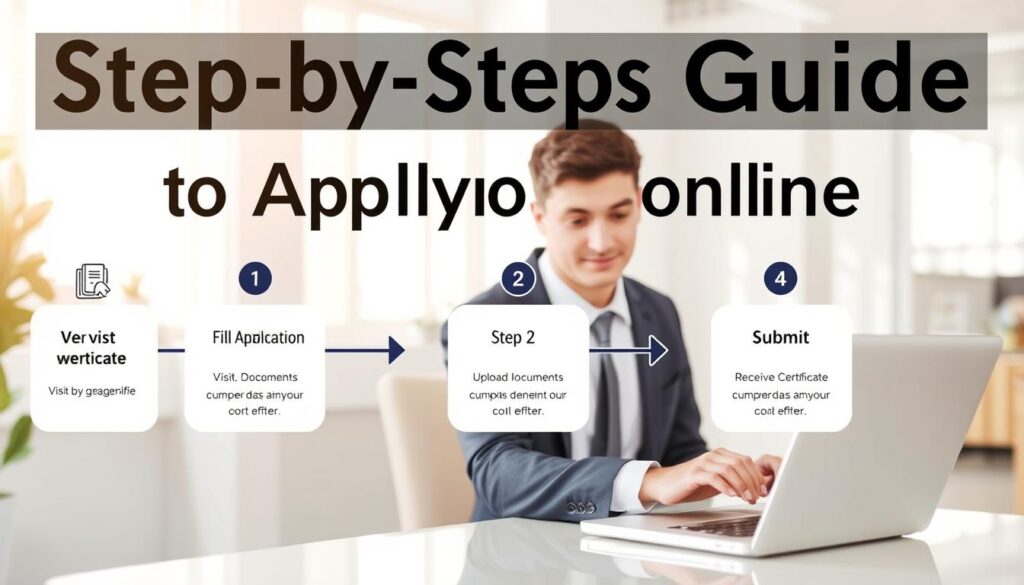
Navigating online government services has transformed how citizens apply for necessary documents. The first step in this process is user registration, which is crucial for accessing the Kerala eDistrict portal.
User Registration and Profile Setup
Creating a user account is linked to Aadhaar, ensuring that each individual registers only once. Applicants must provide complete and accurate information during registration. It’s important to keep your password confidential, as users are responsible for all activities performed under their accounts.
The system allows users to store basic personal and family profile data, making future service requests easier. However, be cautious: duplicate user IDs or incorrect information may lead to deactivation and cancellation of services.
Filling Out the Application Form
When filling out the application form, consistency is key. Ensure that the income figures declared match the uploaded documents, such as salary certificates and income-tax returns. Before submitting, review all fields carefully, attach readable documents, and retain your reference information.
| Step | Description | Important Note |
|---|---|---|
| 1 | Create an Aadhaar-linked account | One registration per individual |
| 2 | Fill in personal and family details | Ensure accuracy to avoid issues |
| 3 | Submit application with documents | Check for consistency with income figures |
Payment, Tracking, and Verification of Your Application

The evolution of online services has significantly streamlined the process of applying for important documents. A variety of payment options are available to facilitate your application. These include Internet banking, debit cards, and credit cards through listed banks.
Be aware that transaction charges from banks or payment gateways may apply separately from government service fees. Applicants will receive SMS notifications on their registered mobile numbers at various stages of processing, keeping them informed throughout the journey.
Payment Options and Transaction Details
- Internet banking, debit cards, and credit cards are accepted.
- Separate transaction charges may apply.
- Failed-transaction losses are not the responsibility of the government or banks.
Application Status and e-Certificate Verification
To check the status of your application, navigate to the Status menu on the portal. Certificate verification requires the application reference number and token number printed on the issued document.
Use of Digital Signatures and Security Protocols
Digital Signature Certificate registration is essential for added security. Ensure you have the relevant driver and Java version 1.7 installed for smooth processing.
| Feature | Description | Important Note |
|---|---|---|
| Payment Methods | Internet banking, debit and credit cards | Check for additional charges |
| Status Tracking | Use the Status menu on the portal | SMS notifications will be sent |
| Certificate Verification | Requires reference and token number | Ensure details match the issued document |
Wrapping Up Your Online Income Certificate Experience
Completing the online application process is a significant step towards obtaining essential government services. Applicants should ensure that their income figures are accurate and that they upload the necessary documents, such as the RoR and financial evidence. Reviewing the entire form before submission is crucial.
The Odisha service offers a 10-working-day delivery period and does not charge any government fees, which is helpful for planning. It is also important for users to save their reference number and keep an eye on SMS notifications, as processing outcomes can change after submission.
Once the application status shows as Delivered, the issued document can be downloaded or printed. Verification requires the printed reference and token numbers. For any unresolved issues, applicants can utilize the Contacts link on the login page to connect with the appropriate government support channel.