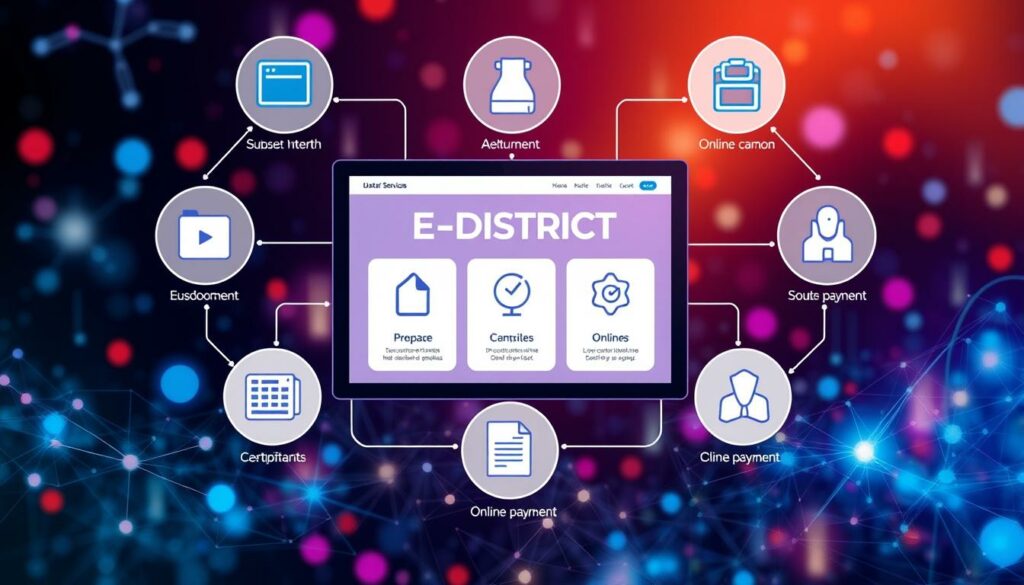
The Punjab e-District Sewa Portal serves as a vital platform for government services aimed at assisting citizens. This online portal allows individuals to initiate their applications for various services, including the caste certificate. By providing a user-friendly interface, it simplifies the process of obtaining necessary documentation.
Citizens can either register online or visit a Sewa Kendra for guided assistance. This flexibility ensures that everyone has access to the information they need. The portal is available in both English and Punjabi, making it easier for more people to understand the application process.
Through this guide, readers will learn about eligibility criteria, registration steps, and how to track their application status. Additionally, the article will explain the significance of these certificates in securing reservations, scholarships, and employment opportunities.
Introduction to E District Punjab Caste Certificate
Punjab’s online platform provides an essential gateway for citizens to access various government services. This portal unifies multiple departments, including Revenue, Social Welfare, and Health, making it easier for individuals to find the information they need.
The services offered range from residence certificates to income certificates and even ration cards. By consolidating these services, the portal enhances the overall experience for users. Citizens can enjoy benefits such as remote access and online payments, reducing the need for repeated office visits.
Having an approved caste certificate can open doors to education, employment, and scholarship opportunities. This certificate is crucial for securing government benefits and ensuring that individuals can participate fully in society.
Eligibility Requirements and Required Documents

To successfully apply for a caste certificate, residents must meet specific eligibility criteria. It is essential for applicants to confirm their eligibility for the service before initiating the application process.
Common identity documents include an Aadhaar card, voter ID, driving license, passport, or PAN card. These documents serve as vital proof of identity.
Additionally, address verification is crucial. Acceptable proofs may include a ration card, electricity bill, water bill, rent agreement, or details from a voter ID.
For caste applications, applicants may need to provide family caste evidence, previous certificates if available, and local verification records. Photographs and self-declarations are also often required.
It is advisable to ensure that all submitted documents are clear and readable. Applicants should verify that their personal details match those on the official document list before submitting the application.
e district punjab caste certificate Application Process
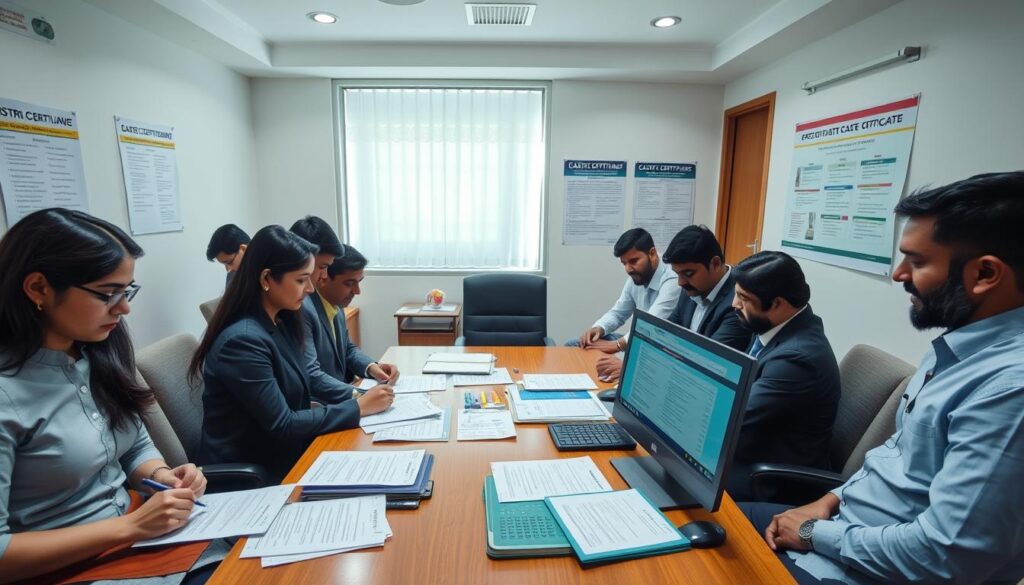
Understanding the steps to apply online can streamline the process of securing necessary documentation. The application journey begins with selecting the appropriate service on the e-District portal. This ensures that applicants are directed to the correct department.
Next, applicants should carefully read the eligibility criteria and required documents. Completing the application form accurately is crucial. Every detail matters, as errors can lead to delays or rejection.
Once the form is filled out, applicants must upload the necessary documents and pay any applicable fees. After submission, saving the application reference number is vital for tracking the status of the application.
Here’s a summary of the application steps:
| Step | Action |
|---|---|
| 1 | Select the required service |
| 2 | Review eligibility and documents |
| 3 | Complete the application form |
| 4 | Upload required documents |
| 5 | Pay any applicable fees |
By following these steps, applicants can navigate the process smoothly and ensure that their applications are processed efficiently.
Registering and Applying Online Through E-Sewa Punjab
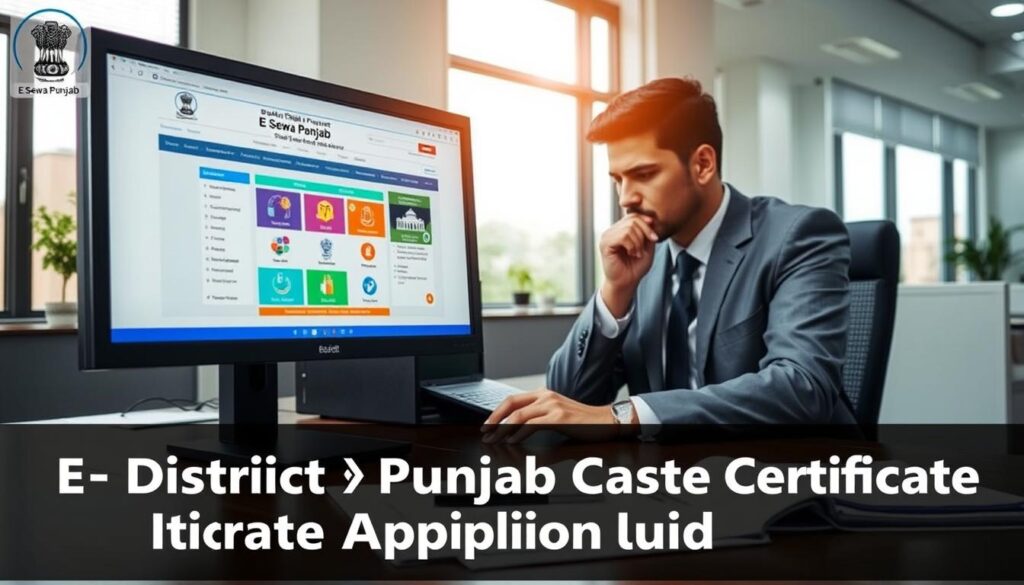
Navigating the online registration process is essential for accessing government services. Citizens can register on the Punjab portal to begin their application for various services. This process is straightforward and user-friendly, designed to facilitate seamless access to necessary documentation.
During registration, individuals will need to provide personal information, create a username, and set a password. They will also answer security questions and complete a captcha. After submitting this information, a mobile OTP may be required for verification.
Once registered, applicants can search for services, complete the application form, and upload required documents. They should ensure that all details, including district and address, are accurate before final submission. It is also crucial to save the application reference number for tracking purposes.
| Step | Action |
|---|---|
| 1 | Register on the portal |
| 2 | Verify mobile number |
| 3 | Search for the required service |
| 4 | Complete and review the application form |
| 5 | Submit the application and save the reference number |
By following these steps, citizens can efficiently navigate the registration and application process, ensuring a smooth experience when applying for essential services.
Utilizing Sewa Kendra for Assisted Applications
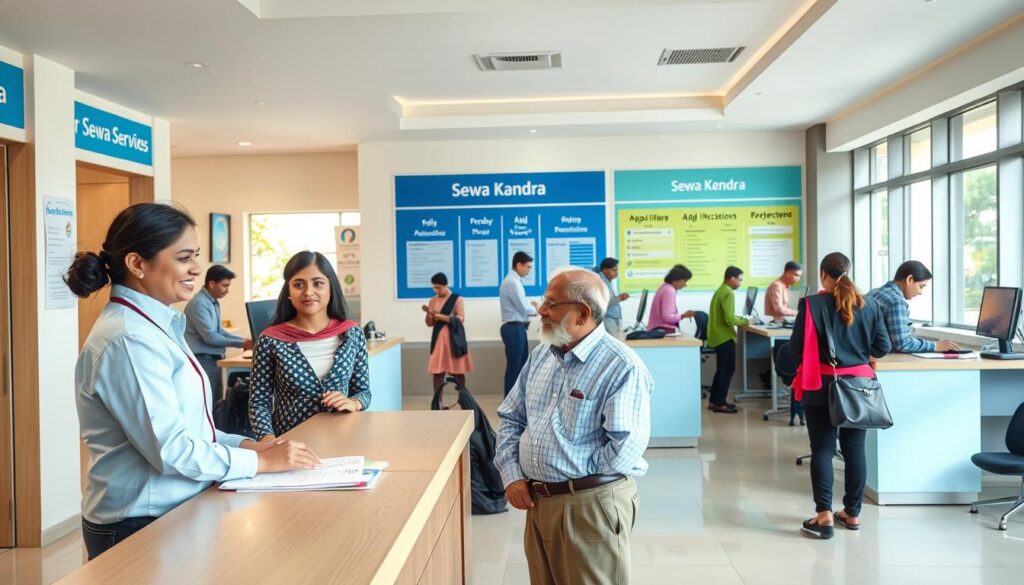
Sewa Kendras serve as essential hubs for citizens seeking assistance with government applications. These centers provide valuable support, especially for those who may not have access to technology or are unsure about completing forms online.
When visiting a Sewa Kendra, applicants should bring both original documents and photocopies. This ensures that all necessary information is available for processing their requests.
Here are some key benefits of applying in-person:
- Operators can scan documents and submit applications on behalf of citizens.
- They can collect applicable fees and issue acknowledgement receipts.
- Citizens can retrieve their digitally signed certificates at Common Service Centres or Suwidha Centres using their acknowledgement number.
Additionally, some applications may require biometric verification or additional documents. In such cases, a second visit to the Sewa Kendra might be necessary.
| Step | Action |
|---|---|
| 1 | Visit a Sewa Kendra with required documents |
| 2 | Submit documents for scanning |
| 3 | Complete the application process with an operator |
| 4 | Receive an acknowledgement receipt |
| 5 | Use the receipt number for future reference |
How to Track and Verify Your Application Status

Tracking the progress of your application is crucial for understanding its current status. Citizens can easily monitor their application status through the online portal. By utilizing the right tools, applicants can stay informed and ensure a smooth process.
Methods to Track Your Application Online
To track application status, applicants can select “Check Your Application Status” from the homepage. Alternatively, they can use “Track Application Status” under “View Status of Application.” This feature allows users to view the status of their application easily.
Applicants will learn to identify various status messages, including submitted, under-process, pending verification, sent-back, approved, delivered, and rejected. Understanding these messages helps in managing expectations.
Guidelines for Verifying Your e-Certificate
To print an issued certificate, users should navigate to “View Status of Application,” select “Delivered,” and choose “Output Certificate.” For certificate verification, entering the application reference number and token number is necessary. This can be done through the official “Verify your Certificate” option.
This guidance will assist schools, employers, and departments in confirming the authenticity of e-certificates. By following these steps, citizens can ensure their documents are valid and reliable.
Navigating the E-District Portal and Service Options

The e-District portal offers a comprehensive suite of services designed to assist citizens. Users can find various administrative options, making it easier to obtain necessary documentation.
Among the services available are the Backward Area Certificate, Kandi Area Certificate, and Border Area Certificate. These options cater to eligible residents, ensuring they can access the support they need.
Different Services Offered on the Portal
Department options include the Punjab School Education Board, the Department of Police, and the Department of Power. Other listed services encompass tenant verification, electricity duty exemption, ID card issuance, and state award nominations.
Key Features for a Seamless Application Experience
Citizens can access the portal in both English and Punjabi, enhancing usability. They can compare online access with Sewa Kendra support, payment facilities, and certificate delivery options.
It is advisable to regularly check the current official service list, as departments and eligibility conditions may change. This ensures that all applicants have the most accurate information at their fingertips.
Common Troubleshooting Tips and Solutions
Troubleshooting common issues can greatly enhance the application experience for users. Many citizens face challenges while applying for services online. Understanding how to resolve these issues is key to a successful application.
Handling OTP and Document Upload Issues
OTP problems may arise from inactive mobile numbers or weak network coverage. Users can:
- Check their network connection.
- Confirm the registered mobile number is active.
- Wait a moment and select the option to resend the OTP.
Document upload errors can also occur. Common causes include unsupported file formats or excessive file sizes. To avoid these issues, applicants should:
- Ensure files are in the correct format.
- Check that the file size is within limits.
- Make sure scans are clear and readable.
Resolving Errors in Submitted Applications
If an application is sent back, applicants should carefully read the reason provided. It is important to:
- Correct any inaccuracies in the details.
- Upload any missing documents as requested.
In cases where payment is deducted but the status fails, applicants should:
- Check the payment status through the portal.
- Use revalidation options if available before attempting another payment.
For issues with downloading approved certificates, clearing the browser cache or trying a different browser may help.
Closing Thoughts on a Seamless Certificate Experience
Accessing government services has never been easier for residents seeking vital documentation. In 2026, the E-Sewa Punjab platform offers a practical route for citizens to apply for essential documents online.
Applicants can choose to register directly on the portal or visit a Sewa Kendra for assistance with scanning and guidance. It is crucial to provide accurate personal details and complete documents, as well as to save the reference number for smooth verification.
Regularly checking application status allows citizens to respond quickly if their application requires corrections or additional evidence. Ultimately, using official channels ensures that records are protected and that issued documents are verified before formal use.